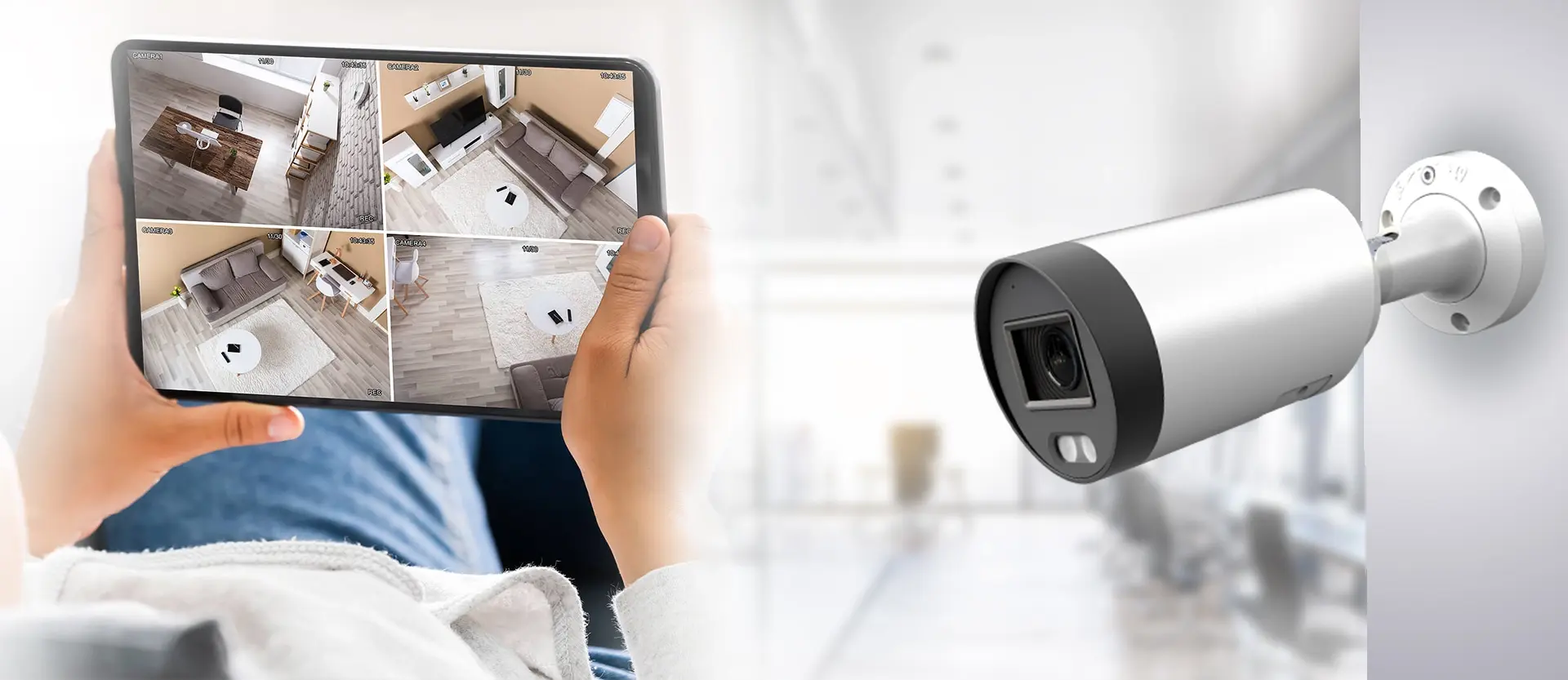
In today’s world, ensuring the safety and security of property and loved ones has become paramount. An important component of a comprehensive security strategy is the installation of security cameras. When done professionally, security camera installation can significantly enhance the safety of a residential or commercial space. However, to ensure effectiveness, there are several essential considerations and steps that need to be followed. This article provides top tips for those looking to achieve professional-quality security camera installation.
Key Considerations Before Installation
Before embarking on the installation process, it’s crucial to outline specific objectives and consider certain factors that determine the success of the security system.
- Assess the Area: Identify vulnerable areas that require monitoring. Entry points, such as doors and windows, should be prioritized.
- Determine the Type of Cameras: Choose between wired or wireless cameras based on the infrastructure and the specific needs of the premises.
- Consider Lighting Conditions: Ensure cameras are capable of capturing clear footage in varying lighting conditions, especially at night.
- Connectivity: Ensure that the chosen cameras are compatible with existing network systems for seamless data transmission.
Step-by-Step Installation Guide
1. Planning the Layout
Map out the areas where cameras will be placed. This involves strategic planning to ensure optimal coverage and minimal blind spots. Consider utilizing tools or software to visualize placements and coverage zones. Explore further insights here.
2. Selecting the Right Equipment
Invest in high-quality cameras and supporting equipment. The choice of equipment should align with the specific needs identified in the planning stage. Consider features such as night vision, motion detection, and audio capabilities for enhanced monitoring.
3. Installation of Cameras
Once the planning and equipment selection are complete, proceed with the physical installation of the cameras.
- Mount cameras at a height that prevents tampering but provides a clear view of the monitored area.
- Ensure cameras are securely fixed and adjusted for optimal angle and coverage.
- Follow manufacturer instructions carefully to avoid damaging the equipment.
- For outdoor cameras, ensure weatherproofing to withstand environmental elements.
Learn more in this detailed guide.
4. Configuring the System
After installation, configure the cameras to integrate with existing security systems. This may involve:
- Setting up network connections for data transmission and remote access.
- Configuring storage solutions, like cloud services or local DVRs, for video footage.
- Adjusting settings for motion alerts, recording schedules, and notifications.
Ensuring Regular Maintenance
Post-installation, regular maintenance is essential to ensure the longevity and effectiveness of the security cameras. This includes:
- Routine checks for camera alignment and focus accuracy.
- Cleaning lenses to prevent dirt and debris from obstructing the view.
- Updating software to enhance system features and security.
Regular performance reviews and updates can prevent system failures and ensure continuous protection. Find additional information here.
Conclusion
Professional security camera installation requires careful planning, the right equipment, and ongoing maintenance. By following these top tips, individuals and businesses can significantly enhance the security of their premises, ensuring peace of mind. For more comprehensive guidance and professional advice, consider reaching out to a security expert. Explore further insights here.